 111
111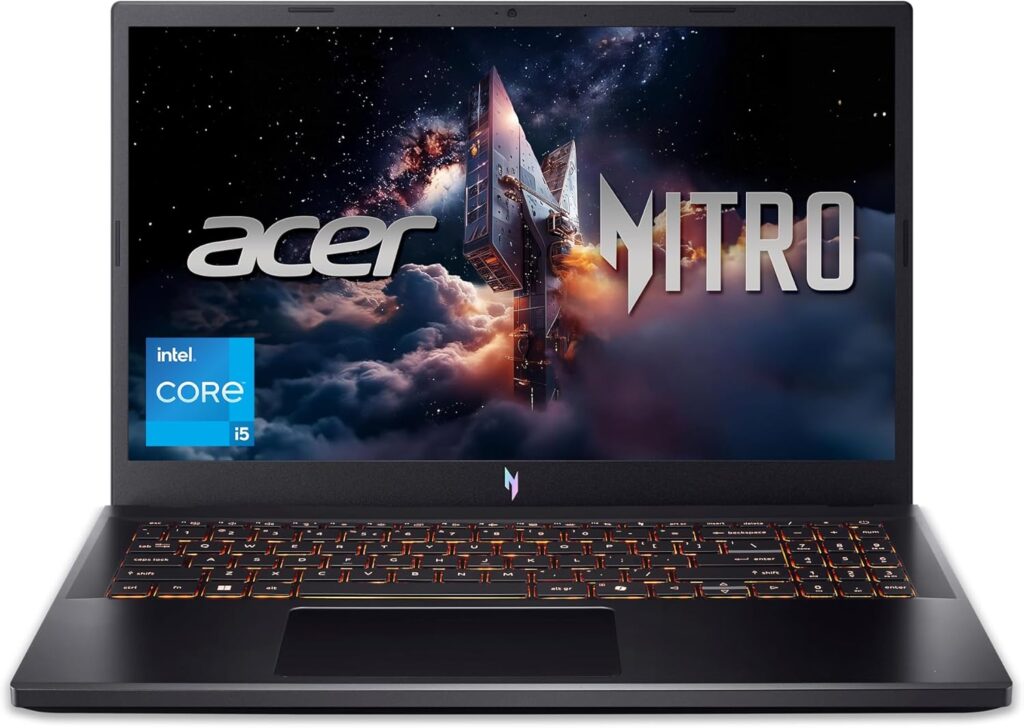 2
2 3
3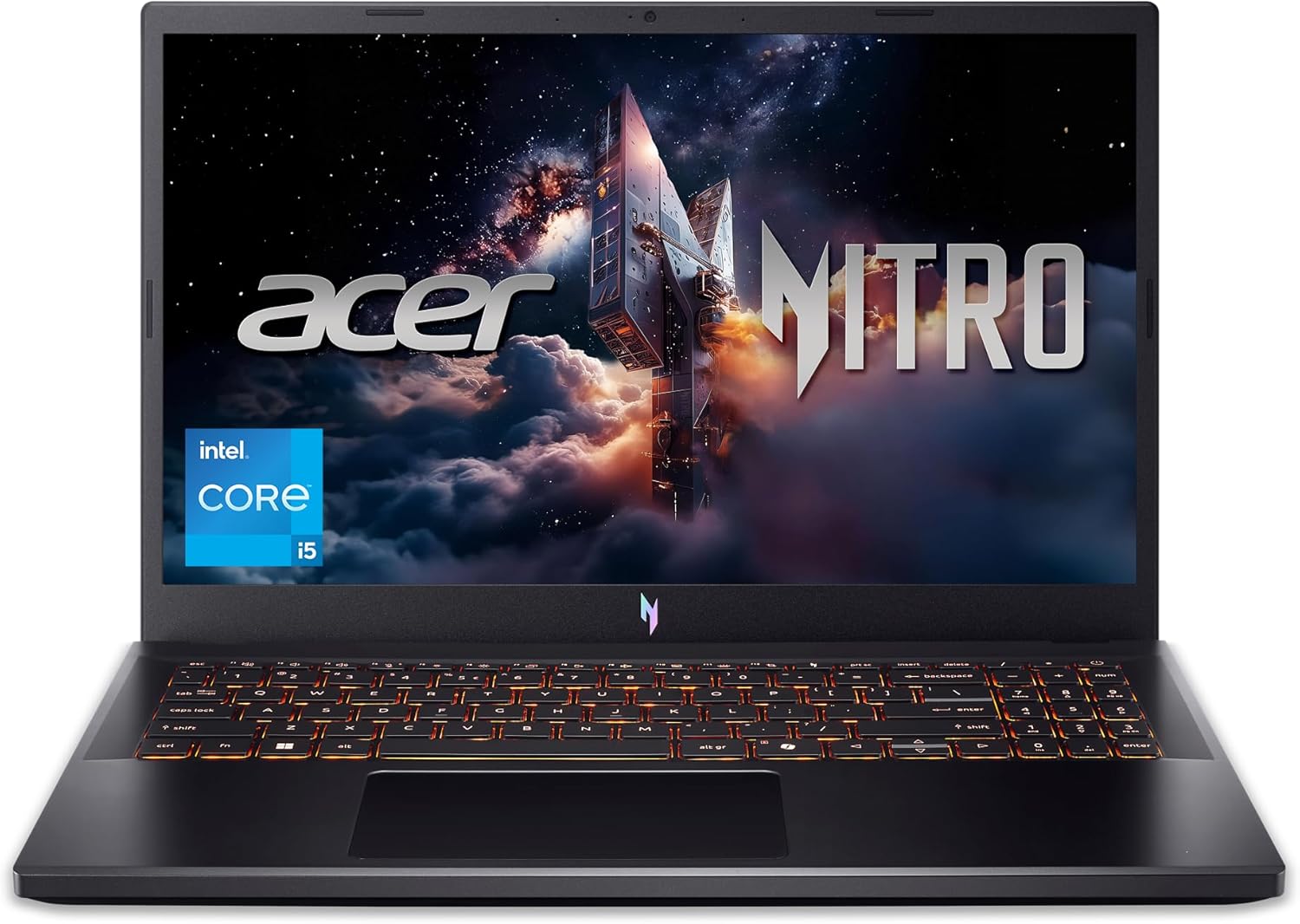
The Acer Nitro V Gaming Laptop ANV15-52-586Z is designed for users who want a balance between gaming performance, productivity, and creative workloads in a portable package. Featuring a 13th Generation Intel® Core™ i5 processor, NVIDIA® GeForce RTX™ 4050 Laptop GPU, a fast 165Hz Full HD IPS display, DDR5 memory, and PCIe Gen 4 SSD storage, this laptop targets students, professionals, content creators, and gamers looking for modern hardware capable of handling a wide range of applications.
This guide explores the laptop’s specifications, technologies, and practical use cases without offering purchasing recommendations or product reviews. Instead, it provides an informative overview to help readers understand what the hardware offers and where it performs best.
The Nitro V series is Acer’s mainstream gaming lineup, combining current-generation CPUs and GPUs with gaming-oriented displays and cooling systems. The ANV15-52-586Z configuration includes:
These components work together to support modern gaming, multitasking, streaming, productivity, and creative software.
At the center of the laptop is the Intel Core i5-13420H, part of Intel’s 13th Generation Raptor Lake mobile processor family.
Key characteristics include:
The hybrid architecture enables the processor to assign demanding workloads to Performance cores while background applications run on Efficient cores. This design helps maintain responsiveness when multiple applications are open simultaneously.
Common workloads include:
The processor also supports modern instruction sets used by professional applications and creative software.
Graphics processing is handled by the NVIDIA GeForce RTX 4050 Laptop GPU, built on NVIDIA’s Ada Lovelace architecture.
Major technologies include:
The RTX 4050 allows compatible applications to leverage GPU acceleration for much more than gaming.
Examples include:
One of the standout technologies supported by the RTX 4050 is Deep Learning Super Sampling (DLSS 3).
DLSS uses artificial intelligence to generate additional frames and improve image quality while reducing the rendering workload.
Benefits may include:
Support depends on individual software and games.
Ray tracing simulates realistic lighting behavior.
Instead of traditional lighting approximations, ray tracing calculates:
Compatible games and rendering applications can produce more lifelike scenes using this hardware acceleration.
The laptop features a 15.6-inch Full HD (1920 × 1080) IPS display.
This resolution remains one of the most widely supported across games, productivity software, and media.
Advantages include:
The IPS panel technology improves image quality by offering:
This makes the display suitable for entertainment, creative work, and everyday productivity.
Refresh rate determines how many times the display updates each second.
A 165Hz panel refreshes up to 165 times every second.
Potential benefits include:
Outside gaming, high refresh rates also make everyday navigation feel smoother while browsing, scrolling, and working.
This configuration includes 8GB of DDR5 RAM.
DDR5 introduces improvements over previous memory generations:
Memory plays an important role in:
Because the Nitro V platform supports memory upgrades, users may expand RAM depending on future workload requirements and hardware compatibility.
Storage is provided by a 512GB PCIe Gen 4 NVMe SSD.
Compared to traditional hard drives, SSDs offer:
PCIe Gen 4 technology delivers even greater throughput than earlier PCIe generations, helping reduce delays when working with large files or installing applications.
A 512GB SSD typically provides room for:
Actual usable capacity varies due to system software and formatting.
Gaming laptops generate heat during demanding workloads.
The Nitro V incorporates cooling technologies intended to maintain operating temperatures through:
Proper cooling supports stable performance during extended gaming sessions, rendering, and multitasking.
Wireless networking is powered by Wi-Fi 6 (802.11ax).
Advantages include:
Wi-Fi 6 is especially useful in homes with many connected devices.
The included backlit keyboard improves visibility in:
The keyboard is also designed to accommodate extended typing sessions for work, study, and communication.
The Nitro V platform supports multimedia tasks such as:
Users can also connect external speakers, gaming headsets, or Bluetooth audio devices depending on system compatibility.
Depending on the exact regional configuration, users may find ports such as:
These ports allow connection to:
Although marketed as a gaming laptop, the Nitro V is suitable for numerous productivity tasks.
Examples include:
The combination of modern CPU architecture and SSD storage helps maintain responsive performance throughout daily workflows.
The RTX GPU accelerates many creative applications.
Possible workloads include:
GPU acceleration can shorten rendering times in supported software.
Developers may appreciate the Nitro V for:
The processor’s multiple cores and fast SSD support efficient development environments.
Modern gaming laptops combine several technologies beyond raw hardware.
The Nitro V supports gaming-oriented capabilities such as:
These components contribute to a balanced gaming platform.
Content creators who stream gameplay or tutorials can benefit from NVIDIA’s dedicated hardware encoder.
Advantages include:
Supported streaming software can utilize GPU encoding automatically.
Battery life depends heavily on usage.
Factors affecting runtime include:
Gaming typically consumes significantly more power than productivity tasks due to increased CPU and GPU utilization.
Gaming laptops often allow future upgrades.
Depending on the model and regional configuration, users may be able to upgrade:
Always consult official documentation before upgrading internal components.
The hardware combination supports a variety of computing needs.
Potential use cases include:
Useful for:
Suitable for:
Capable of supporting:
Modern gaming features include:
| Component | Specification |
|---|---|
| Processor | Intel Core i5-13420H |
| Graphics | NVIDIA GeForce RTX 4050 Laptop GPU |
| Display | 15.6-inch FHD IPS |
| Refresh Rate | 165Hz |
| Memory | 8GB DDR5 |
| Storage | 512GB PCIe Gen 4 SSD |
| Wireless | Wi-Fi 6 |
| Keyboard | Backlit |
| Product Model | Acer Nitro V ANV15-52-586Z |
The Acer Nitro V Gaming Laptop ANV15-52-586Z combines current-generation Intel processing, NVIDIA RTX graphics, DDR5 memory, PCIe Gen 4 storage, and a high-refresh-rate IPS display into a versatile computing platform. Its hardware supports a broad range of activities, including gaming, multimedia creation, productivity, programming, education, and everyday computing.
Features such as the Intel Core i5-13420H processor, NVIDIA GeForce RTX 4050 Laptop GPU, 165Hz Full HD IPS display, Wi-Fi 6 connectivity, DDR5 memory, and PCIe Gen 4 SSD reflect modern laptop technologies designed to improve responsiveness, graphics performance, multitasking, and workflow efficiency. Understanding how these components work together can help readers evaluate whether this configuration aligns with their intended software, workloads, and computing needs.